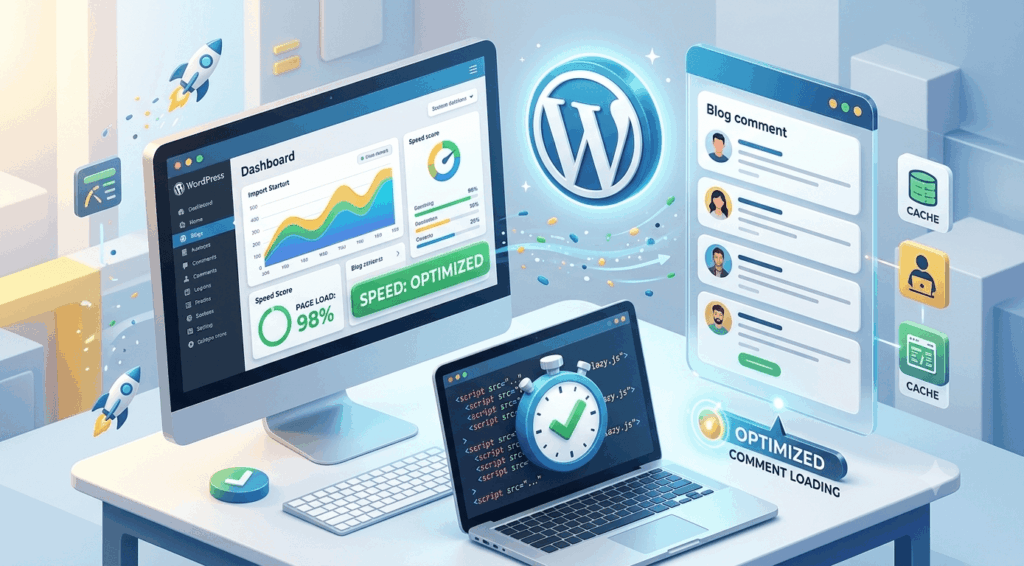
If you’re looking to speed up a WordPress website, you’re not alone. A fast-loading site is crucial for retaining visitors and improving your search engine rankings. In this guide, we’ll explore practical steps that beginners can take to enhance their website’s performance.
A slow website can frustrate users, leading to higher bounce rates. Studies show that even a one-second delay in loading time can significantly impact conversions. Additionally, search engines like Google prioritize fast-loading sites in their rankings, making speed an essential factor for SEO.
One of the first steps to speed up a WordPress website is to choose a reliable hosting provider. Shared hosting can be tempting due to its low cost, but it often leads to slower performance. Consider investing in a reputable managed WordPress hosting service that offers optimized servers for WordPress sites.
– Bluehost
– SiteGround
– WP Engine
Each of these providers is known for excellent performance, uptime, and customer support.
Large images can significantly slow down your website. To prevent this, ensure that all images are optimized for the web before uploading them. Here are some tips:
By optimizing your images, you can greatly enhance your site’s loading speed.
Caching is one of the most effective ways to speed up a WordPress website. Caching plugins create static versions of your content, which reduces the load on your server. Here are some popular caching plugins:
Installing a caching plugin will help improve your site’s speed and performance.
Every file that your website loads—such as images, scripts, and styles—creates an HTTP request. Too many requests can slow down your site. To minimize them:
Reducing HTTP requests can lead to faster load times.
Keeping WordPress, themes, and plugins updated is vital for performance and security. Updates often include performance enhancements that can help speed up a WordPress website. Regularly check for updates in your dashboard and apply them promptly.
A CDN can greatly improve your website’s loading speed by delivering content to users from the server closest to their location. This reduces latency and speeds up loading times. Some popular CDN providers include:
Integrating a CDN is a smart move for optimizing your site’s performance.
In conclusion, there are multiple strategies to speed up a WordPress website for beginners. From selecting the right hosting provider to optimizing images and using caching plugins, implementing these tips can significantly enhance your site’s speed. Remember, a fast website not only improves user experience but also boosts your SEO efforts. Start optimizing today and watch your website performance soar!


Leave A Reply