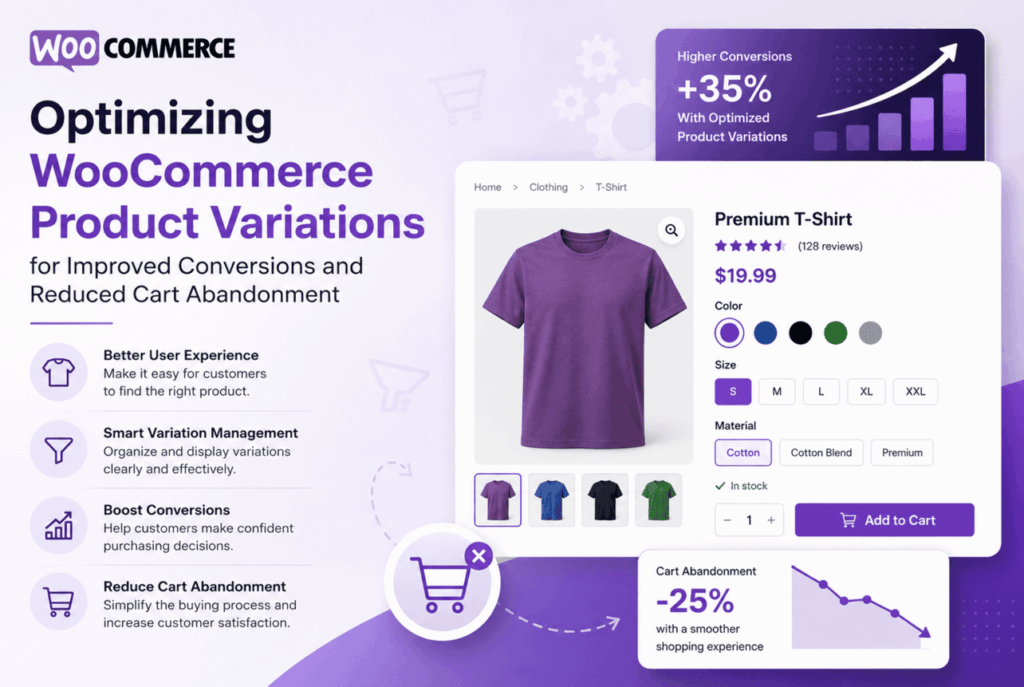
WooCommerce product variations are a powerful tool for online store owners, but they can either help you drive conversions or lead to cart abandonment if not optimized properly. In this guide, we’ll walk you through actionable strategies to make your product variations work harder for your business, ensuring your customers have a seamless shopping experience that boosts sales and reduces lost carts.
WooCommerce product variations allow you to offer different sizes, colors, materials, and other attributes for a single product. This flexibility is essential for stores selling apparel, accessories, electronics, and more. However, poorly managed variations can confuse customers, slow down page loading, and make it difficult to select the right option—ultimately causing shoppers to abandon their carts.
Let’s dive into the practical steps you can implement to optimize WooCommerce product variations for improved conversions and reduced cart abandonment.
Offering too many variations can overwhelm shoppers. Instead, focus on the most relevant options. For example, if you sell t-shirts, consider offering only the most popular colors and sizes. You can analyze your sales data to identify which variations are most in demand and eliminate those with low sales.
Ambiguous labels can frustrate customers. Make sure each variation is clearly described. Instead of “Small” or “Large,” specify measurements (e.g., “Small – Chest 34””). Likewise, use color swatches or thumbnail images for color variations, so customers see exactly what they’re selecting.
Images play a crucial role in helping customers choose the right variation. Make sure each variation has a unique, high-quality image. This is especially important for products where color, pattern, or material is a deciding factor.
Large numbers of variations can slow down your product pages. Optimize your site’s speed to keep customers engaged and prevent abandonment.
Standard dropdowns for variation selection can be clunky. Visual swatches make the process faster and more engaging. Plugins such as Variation Swatches for WooCommerce replace dropdowns with clickable color, image, or label swatches.
Let customers know which variations are in stock before they hit “Add to Cart.” WooCommerce shows out-of-stock variations by default, but you can use plugins to highlight limited stock and create urgency.
When a customer selects a variation, suggest related products or complementary items. For example, if someone chooses a black t-shirt, recommend matching accessories or additional color options.
Reduce the steps required to add a variation to the cart. Enable AJAX add-to-cart functionality so customers don’t have to reload the page. Make sure the “Add to Cart” button is always visible and easy to click.
Optimization isn’t a one-time process. Regularly test your changes and measure their impact on conversions and cart abandonment rates.
Optimizing WooCommerce product variations is key to improving conversions and reducing cart abandonment. By simplifying options, using clear labels, leveraging variation swatches, and streamlining the add-to-cart process, you create a shopping experience that delights customers and drives sales. Regularly monitor your analytics and continue refining your variation strategy to stay ahead of the competition. Implement these WooCommerce product variations tips today and watch your store’s performance soar!


Leave A Reply